Q&A Series: How quickly can I convert my barcodes to QR barcodes?
One of the most common questions we hear from brands preparing for Digital Product Passports (DPP) or exploring 2D barcodes is simple:
How quickly can I convert my existing barcodes into QR barcodes?
The short answer: in minutes.
At Buyerdock, the process is designed to be quick and straightforward so brands can start connecting their products to digital information almost immediately.
Step 1: Create your Buyerdock account
First, create a Buyerdock account and set up your brand in the platform. This gives you a central place to manage your products, barcodes, and digital product information.
Step 2: Upload your existing barcodes
Once your account is ready, you can upload your existing barcode numbers.
Barcodes can be uploaded individually or in bulk, allowing you to convert a few products or your entire catalogue at once.
The platform then instantly generates QR barcodes linked to your products.
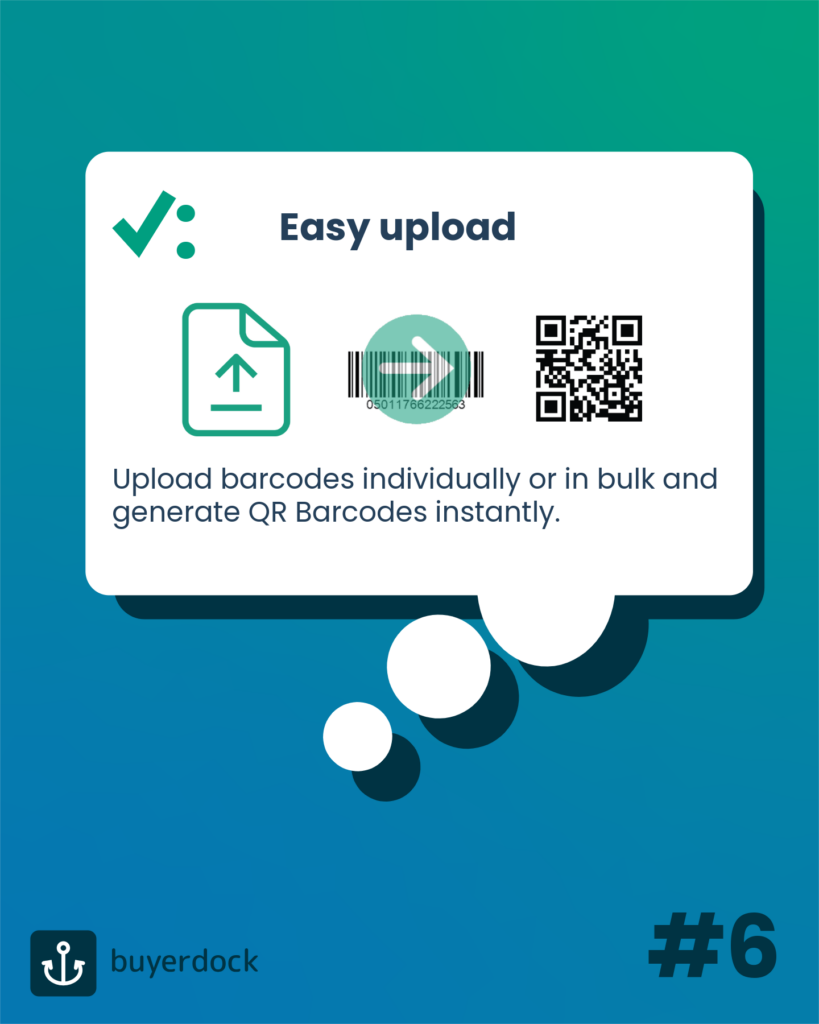
You can auto-generate over 1,000 QR barcodes in under 10 minutes, making it simple to prepare large product portfolios for the transition to 2D barcodes.
Download QR barcodes for packaging
Once generated, your QR barcodes can be downloaded directly from the dashboard. They are print-ready, meaning they can be added to your product packaging right away.
Preparing for Digital Product Passports
Adding QR barcodes to your products today is more than just a technical upgrade.
The right QR barcodes can set your products on the path to Digital Product Passports, creating a flexible compliance backbone while opening new opportunities for consumer engagement and transparency.
At Buyerdock, we call our QR barcodes iQRcode™.
The iQRcode™ connects physical products with dynamic digital information, allowing brands to deliver product data, compliance information, sustainability insights, and consumer experiences through a simple scan.
For more information, feel free to get in touch with the team.